Multi-Language for Visual Studio
Multi-Language for Visual Studio is a extension for Visual Studio to support localization in .NET projects.
Installation
The best way to install it is via the Extension Manager in Visual Studio.
See also Installing Multi-Language for Visual Studio
Features
Multi-Language for Visual Studio supports different types of application:
- WinForms
- WPF
- C++/MFC
- Old school ASP.NET
- Limited support for Razor and Blazor
using the languages:
- C#
- VB.NET
- managed and unmanaged C++
Multi-Language for Visual Studio supports online translation using:
- Google Translator
- DeepL Translator
- Microsoft Translator
The best support is available if you provide your own API-Key. Without your own API-Key, there is support using Google and DeepL with a limited quota.
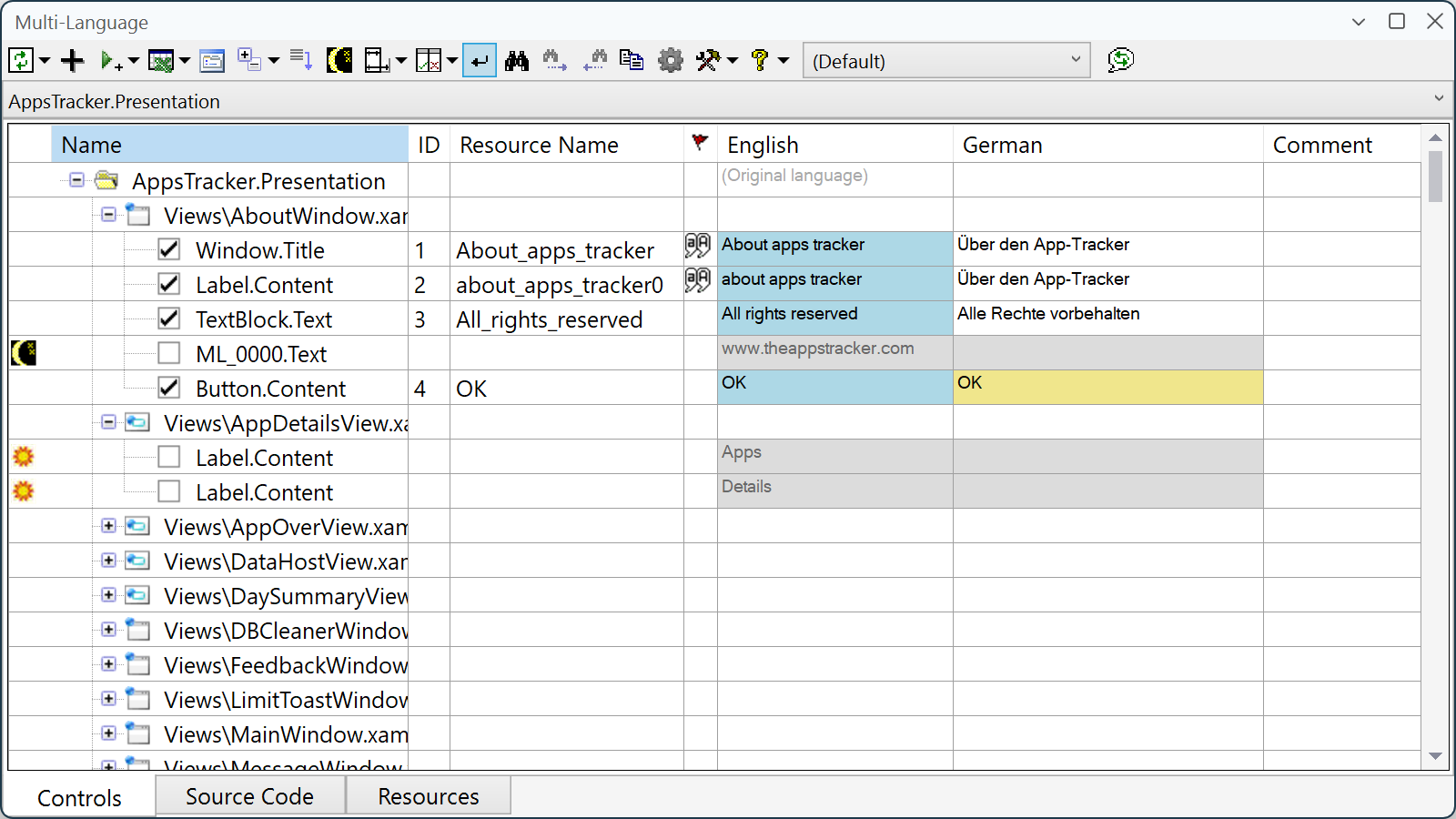
The Multi-Language Add-In runs in a tool-window in Visual Studio.
Video introduction
This video runs through the process of localizing a WinForms application.
It is now very old (based on Visual Studio 2010), but the functionality is still basically correct.